Leo Playground
Web App
About the project
About
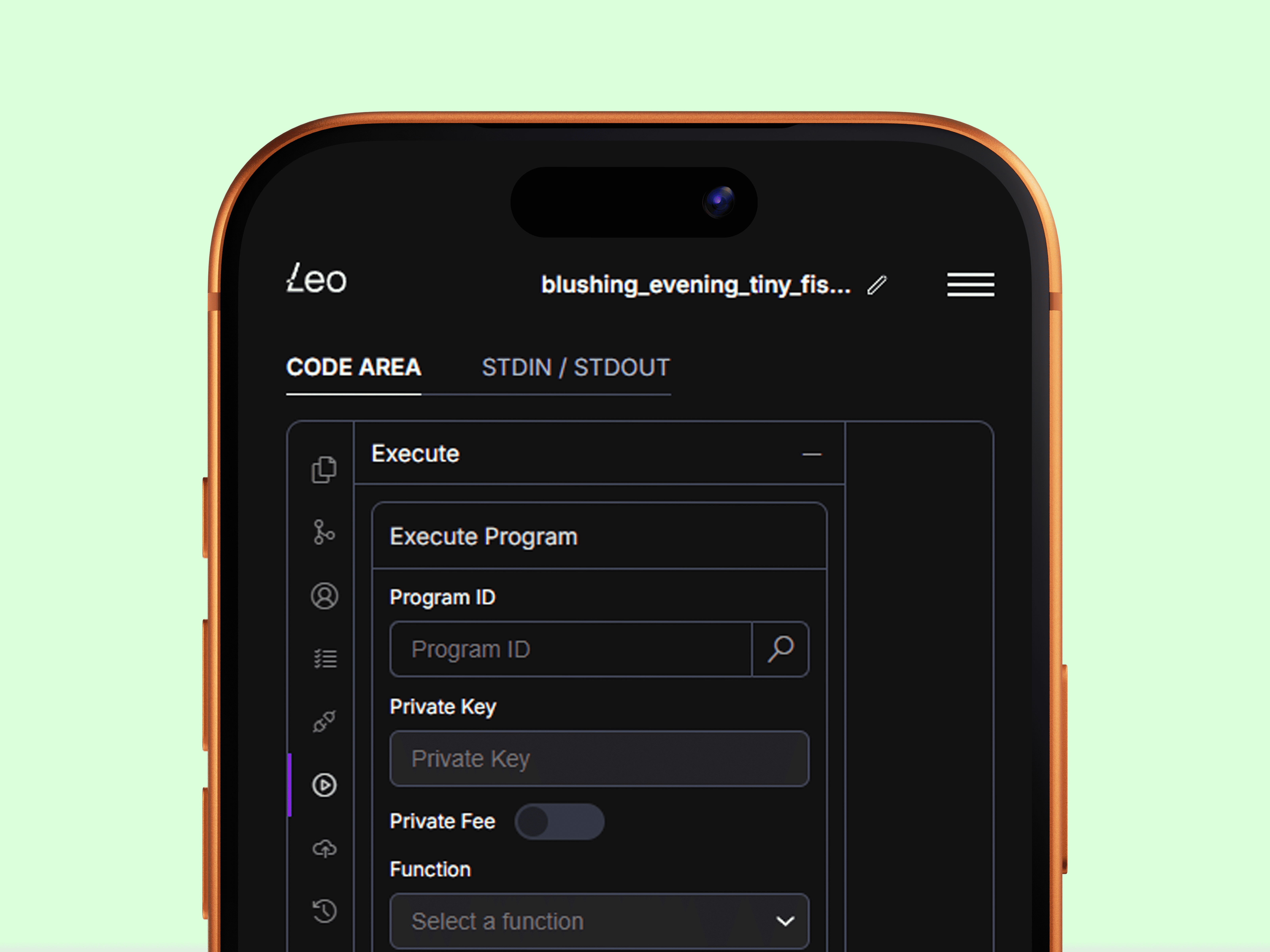
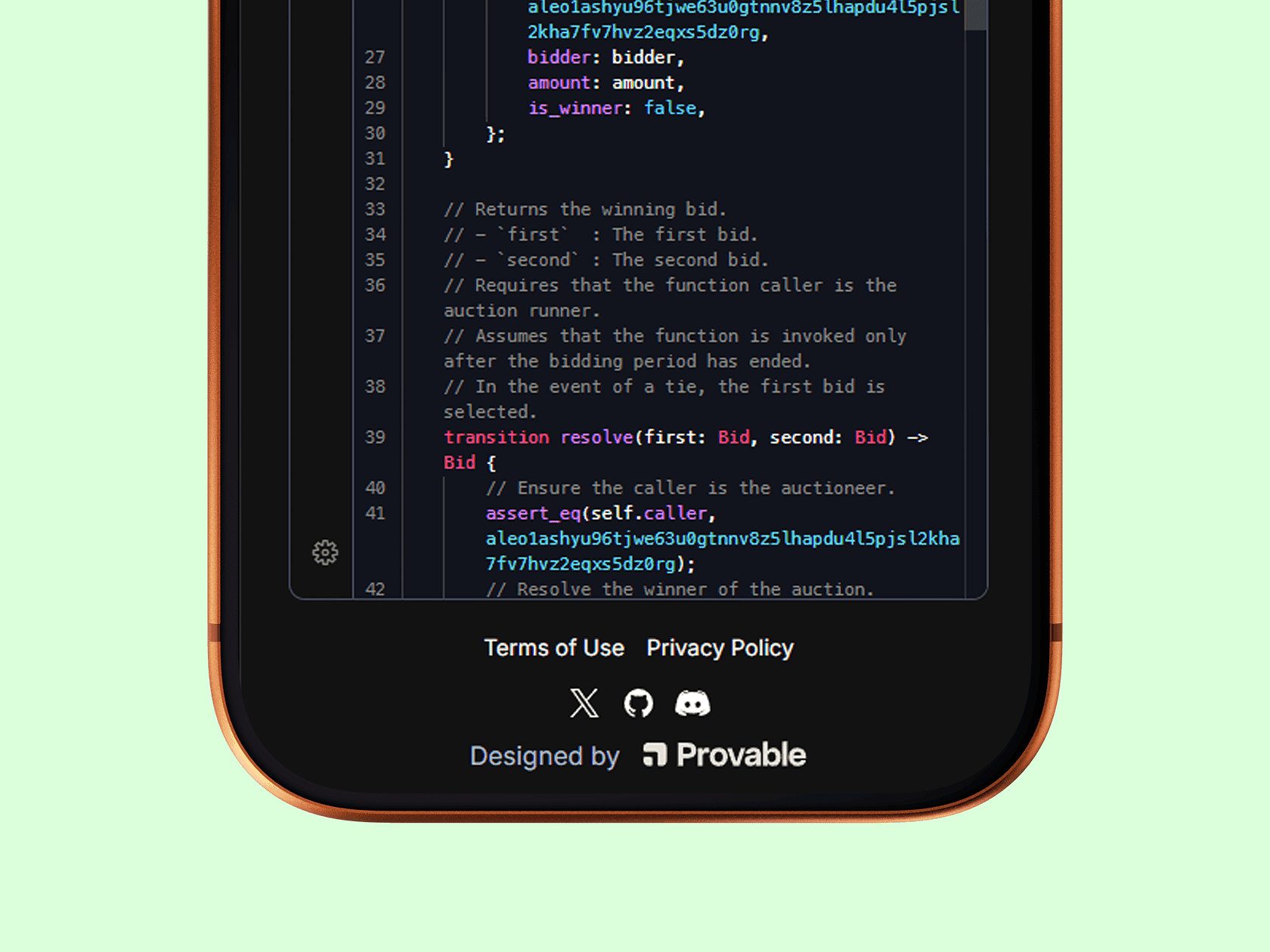
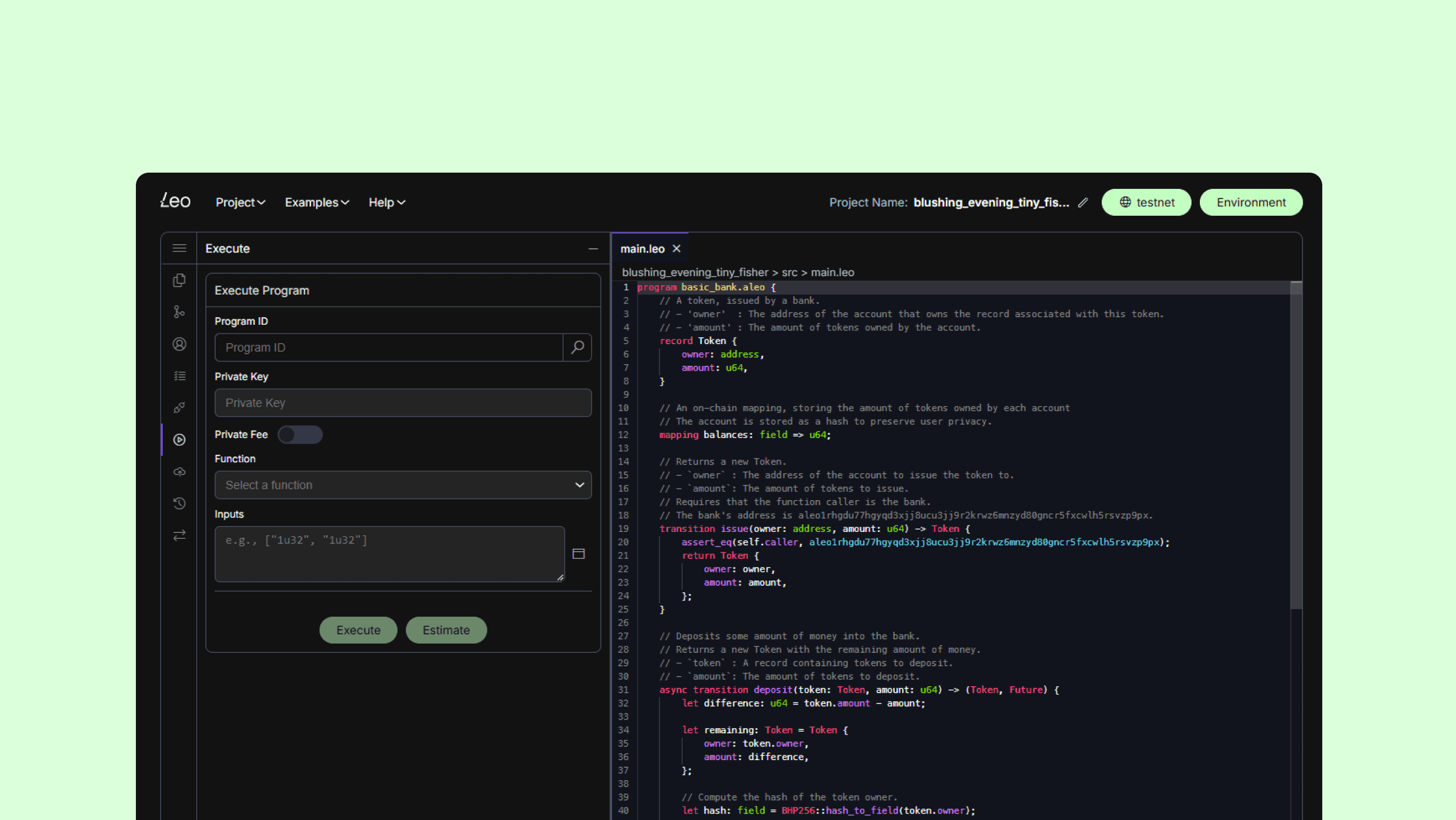
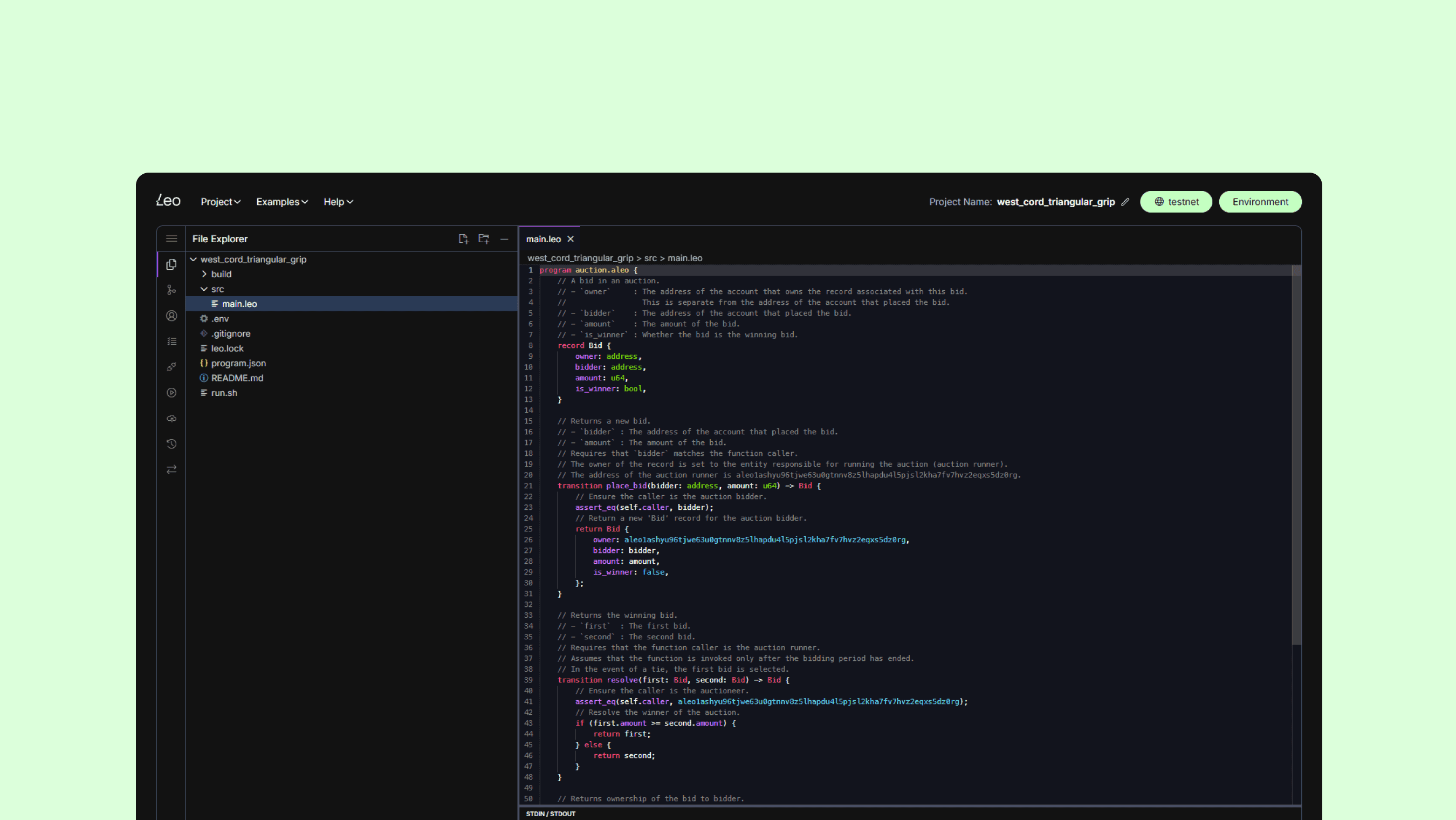
Leo Playground is a browser-based environment for learning and experimenting with Leo, Aleo’s programming language for building private applications.
Problem
New users faced a difficult first experience: an unfamiliar programming language, an empty editor, and technical errors that could stop progress before they had successfully run anything.
Key decisions
Introduced guided onboarding that helped users write and run their first Leo program.
Surfaced outputs and errors clearly to shorten the feedback loop between writing and testing code.
Used familiar editor conventions such as syntax highlighting, autocomplete, themes, and structured panels.
Added examples and contextual guidance without overcrowding the main workspace.
Adapted the editor and supporting panels across desktop, tablet, and mobile layouts.
Outcome
The result was a tutorial-led development environment that helped users write, execute, and debug Leo programs directly in the browser.
My role
Product Designer across onboarding, editor UX, interaction patterns, responsive design, usability testing, developer handoff, and iteration.
Client
Aleo/Provable
Services
Web App
Year